
Travel eSIMs are now a common way to get mobile data on an iPhone while traveling.
If you use an Apple Watch, you might wonder whether you can do the same thing on your Watch: buy a travel eSIM, install it, and stay connected abroad without carrying your iPhone.
The short answer is: Apple Watch supports eSIM, but a typical prepaid travel eSIM usually cannot be installed directly on Apple Watch.
Apple Watch cellular service uses eSIM technology, but it is not set up the same way as an iPhone travel eSIM. On iPhone, you can usually scan a QR code or install a travel eSIM from an app. On Apple Watch, cellular service is normally set up through the Watch app on your iPhone and requires a carrier or provider that specifically supports Apple Watch.
For most travelers, the most practical setup is to install a travel eSIM on your iPhone and keep your Apple Watch nearby. If you want Apple Watch to work on its own abroad, you need to check Apple Watch international roaming or a dedicated Apple Watch plan before you travel.

Quick answer
| What you want to do | Does it work? | What to know |
|---|---|---|
| Install an iPhone travel eSIM directly on Apple Watch | Usually no | Apple Watch cellular setup requires a supported Apple Watch carrier plan. |
| Use Apple Watch near an iPhone that has a travel eSIM | Yes | The Watch can use the iPhone's internet connection over Bluetooth or Wi-Fi. |
| Use Apple Watch cellular abroad without the iPhone nearby | Sometimes | Your Apple Watch plan, carrier, roaming support, and destination all matter. |
| Scan a travel eSIM QR code on Apple Watch | Usually no | Apple Watch does not let you add just any eSIM QR code the way iPhone does. |
| Use an Apple Watch-specific eSIM plan | In limited cases | Dedicated Apple Watch providers exist, but country, model, and roaming limits apply. |
The practical conclusion is simple: for most trips, use a travel eSIM on your iPhone and use Apple Watch while it is connected to that iPhone.
If you plan to leave your iPhone behind and rely on Apple Watch alone, do not assume a normal travel eSIM will solve that problem. Check Apple Watch roaming or a dedicated Apple Watch plan instead.
Why most travel eSIMs do not work directly on Apple Watch
On iPhone, setting up a travel eSIM is usually straightforward. You buy a prepaid eSIM with a data plan, scan a QR code or use the provider's app, and add the eSIM to your iPhone.
Apple Watch cellular works differently.
To add cellular service to Apple Watch, you normally open the Watch app on your iPhone, go to Cellular, and follow your carrier's setup flow. Apple notes that your iPhone and Apple Watch generally need to use the same carrier, unless the Watch is set up using Apple Watch For Your Kids.
In other words, Apple Watch is not designed to accept "any eSIM". It needs Apple Watch-specific carrier provisioning.
Provisioning means the carrier has to register that specific Apple Watch on its network and allow it to connect. For Apple Watch, that setup may involve:
- number sharing with your iPhone
- VoLTE, meaning voice calls over 4G LTE
- Apple Watch-specific carrier settings
- billing and account support for a Watch line or Watch option
- roaming support, if you want to use it abroad
Most travel eSIMs are built for smartphones and tablets. Many are data-only prepaid plans. They may work perfectly on an iPhone, but they usually do not support Apple Watch number sharing, VoLTE, Watch app activation, or Apple Watch carrier provisioning.
That is why an iPhone travel eSIM usually cannot serve as a standalone Apple Watch cellular plan.

What Apple Watch needs for standalone cellular abroad
To use Apple Watch without your iPhone nearby while traveling, three separate conditions need to line up.
1. It must be a GPS + Cellular model
Only Apple Watch GPS + Cellular models can use mobile networks. GPS-only models do not have the cellular hardware needed for standalone mobile service.
Apple Watch cellular models use a built-in eSIM. They do not have a physical SIM card slot. Cellular Apple Watch models include, for example:
- Apple Watch Series 3 GPS + Cellular and later
- Apple Watch SE cellular models
- Apple Watch Ultra, Ultra 2, and Ultra 3
- Apple Watch Series 10 and Series 11
- Apple Watch SE 3
This list is only a set of examples. The first thing to check is whether your own Watch is GPS-only or GPS + Cellular.
As of June 2026, Apple says Apple Watch Series 11, Apple Watch SE 3, and Apple Watch Ultra 3 can connect to 4G LTE and 5G networks where available. 5G still requires a cellular plan from a participating carrier.
2. The model must be compatible with the destination region
Having a cellular Apple Watch does not automatically mean it will work on mobile networks everywhere.
Apple Watch cellular models are sold in regional versions for different cellular bands. Apple states that there is no single Apple Watch model that supports cellular service worldwide. A Watch bought in one region may not work with every carrier in another region.
Before relying on Apple Watch cellular abroad, check your exact Apple Watch model number against Apple's carrier and regional model page.
This Apple page is useful for checking Apple Watch-compatible carriers and regional model support. It is not a travel eSIM compatibility chart. It does not tell you whether your regular carrier will allow Apple Watch roaming, and it does not mean you can install a normal travel eSIM on Apple Watch.
3. Your carrier or provider must support Apple Watch service
Even if your Apple Watch model can connect to networks in the destination country, your carrier or provider still has to support Apple Watch.
There are two common scenarios:
- You use your home carrier's Apple Watch international roaming.
- You get a local Apple Watch-compatible plan in the destination country.
In both cases, the provider must support Apple Watch cellular service. For roaming, your home carrier also needs to support Apple Watch international roaming, VoLTE, and coverage in your destination.
This is the key point: "eSIM support" and "Apple Watch support" are not the same thing. A carrier or provider may sell eSIM plans for phones without supporting Apple Watch cellular setup.

What happens if your iPhone uses a travel eSIM
If you install a travel eSIM on your iPhone, your Apple Watch can still be very useful abroad.
Apple Watch automatically chooses the most power-efficient connection available. According to Apple, it can connect to:
- your iPhone, if it is nearby
- a known Wi-Fi network
- cellular, if the Watch has an active supported cellular plan
So if your iPhone is in your pocket, bag, or nearby in your hotel room, Apple Watch can use the iPhone's internet connection. If the iPhone is using a travel eSIM for mobile data, the Watch can use that connection indirectly.
For example, while walking around a city with your iPhone nearby, you can usually receive notifications, check messages, use maps, and use many Watch apps as usual.
The limitation shows up when you leave your iPhone behind.
If you go for a run with only your Apple Watch and the Watch does not have its own supported cellular plan or Wi-Fi connection, it cannot use the iPhone's travel eSIM from a distance. It may still track workouts, play downloaded music or podcasts, and use offline features, but real-time notifications, message sending, map searches, and other online functions may be limited.
Using Apple Watch abroad: realistic options
1. Use iPhone + travel eSIM as the bridge
This is the best option for most travelers.
Install a travel eSIM on your iPhone and keep your Apple Watch nearby. The Watch is not using the travel eSIM as its own cellular plan, but it can use the iPhone's internet connection for many everyday features.
This setup is a good fit if:
- you usually carry your iPhone while traveling
- you mainly need notifications, maps, messages, and workout tracking
- you want to avoid expensive phone roaming
- you do not need your Apple Watch to stay online on its own
This is not standalone Apple Watch cellular. But if you carry your iPhone, it is usually the best balance of cost, reliability, and convenience.
2. Use Apple Watch international roaming from your home carrier
If you want to leave your iPhone behind and use Apple Watch on its own, check your regular carrier first.
Apple says international roaming is available with watchOS 9.1 or later on cellular models of:
- Apple Watch Series 5 and later
- Apple Watch SE and later
- Apple Watch Ultra and later
But the Watch model is only one part of the requirement. For Apple Watch international roaming to work, your carrier must support Apple Watch roaming and VoLTE. International coverage is also determined by your carrier.
Before traveling, ask your carrier:
- Does my Apple Watch plan support international roaming?
- Is my destination country or region covered?
- Do I need to add my Watch to my iPhone roaming plan?
- Are data, calls, SMS, and emergency features included?
- Are there daily fees, roaming passes, or pay-per-use charges?
- Do I need to turn on data roaming on the Apple Watch itself?
This is usually the smoothest option for short trips where you really need Watch-only connectivity. It can also be expensive, so check the pricing before relying on it.
Apple's setup guide is here: Set up cellular on Apple Watch
3. Get a local Apple Watch-compatible plan for a long stay
For a stay of several months or longer, a local mobile plan may be worth considering.
This usually means getting a local phone plan from a carrier that officially supports Apple Watch, then adding an Apple Watch option, Watch line, or number-sharing service.
For short trips, this is often impractical. You may need a local address, local ID, a postpaid account, or an existing phone line. Apple also notes that prepaid accounts and some older accounts may not support Apple Watch cellular service.
This option is mainly for residents, students, long-term visitors, remote workers, or anyone who already plans to get a local mobile account.
4. Consider BetterRoaming or another dedicated Apple Watch provider
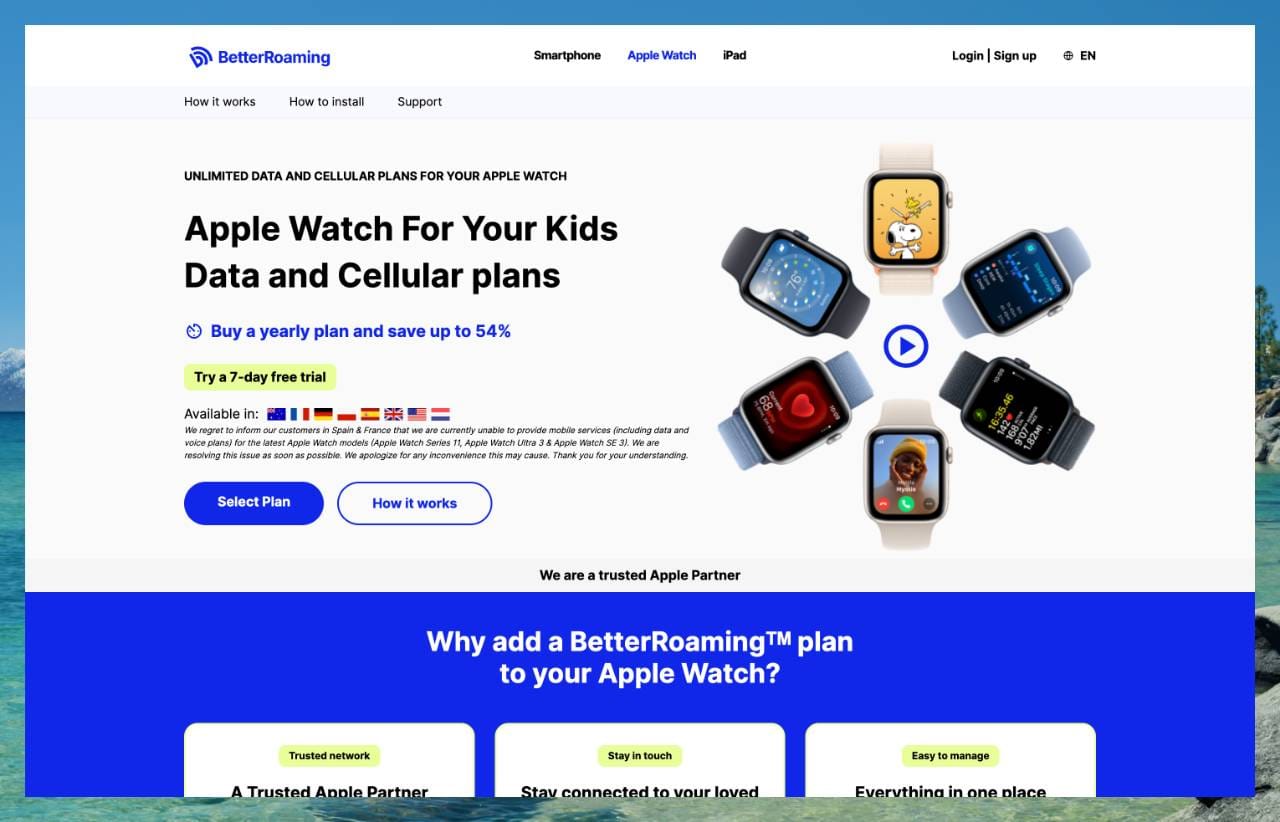
Some providers offer dedicated Apple Watch plans. BetterRoaming is one example.
BetterRoaming offers Apple Watch plans through Apple Watch For Your Kids, formerly known as Family Setup.
*This is different from installing a normal smartphone travel eSIM on your iPhone.
As of June 2026, BetterRoaming lists Apple Watch plans in:
- Australia
- France
- Germany
- Poland
- Spain
- United Kingdom
- United States
- Netherlands
BetterRoaming states that its Apple Watch plans are limited to one country and do not support international roaming. If you want to use an Apple Watch in another country, you need a separate plan for that country.
That makes it more like a single-country Apple Watch plan than a flexible multi-country travel eSIM.
There are also model-specific caveats. As of June 2026, BetterRoaming's Apple Watch page says it is currently unable to provide mobile service in Spain and France for Apple Watch Series 11, Apple Watch Ultra 3, and Apple Watch SE 3. Check the latest country and model support before you buy.
5. Prepare for offline Apple Watch use
Even without standalone cellular, Apple Watch can still be useful while traveling.
Before leaving your iPhone behind, consider:
- downloading music or podcasts to your Watch
- checking important routes in advance
- using offline map features where available
- syncing workout and health data later
- connecting your iPhone to trusted Wi-Fi networks so your Watch can also use known networks
- keeping emergency contacts and Medical ID up to date
This does not replace cellular, but it reduces how often your Apple Watch actually needs to be online.

Important checks before you travel
If you want to use Apple Watch independently abroad, check these points before departure:
- Is your Apple Watch a GPS + Cellular model?
- Is your exact Apple Watch model number supported in the destination region?
- Does your home carrier support Apple Watch international roaming?
- Is your destination country or region covered?
- Does the carrier support VoLTE for Apple Watch roaming?
- Which services work abroad: data, calls, SMS, emergency calls, or only some of these?
- Are Apple Watch roaming charges included in your iPhone roaming plan, or billed separately?
- Do you need to turn on data roaming on Apple Watch?
- Are you using Apple Watch For Your Kids or Family Setup, where international roaming is not supported?
- Is the shorter battery life of standalone cellular acceptable for your trip?
For many travelers, this checklist will point back to the simplest setup: iPhone with a travel eSIM, Apple Watch nearby.
Conclusion
Apple Watch does use eSIM technology, but eSIM support does not mean a normal iPhone travel eSIM will work directly on Apple Watch.
For most international trips, the best setup is simple: install a travel eSIM on your iPhone and keep your Apple Watch connected to that iPhone. You can avoid expensive phone roaming while still using many Apple Watch features.
If you need Apple Watch to work independently abroad, check your home carrier's Apple Watch international roaming first.
For longer stays, a local Apple Watch-compatible carrier plan may be possible. Dedicated Apple Watch providers such as BetterRoaming can help in some supported countries, but they come with country, model, setup, and roaming limitations.
The key is to check before you travel. "eSIM compatible" does not automatically mean "Apple Watch compatible".
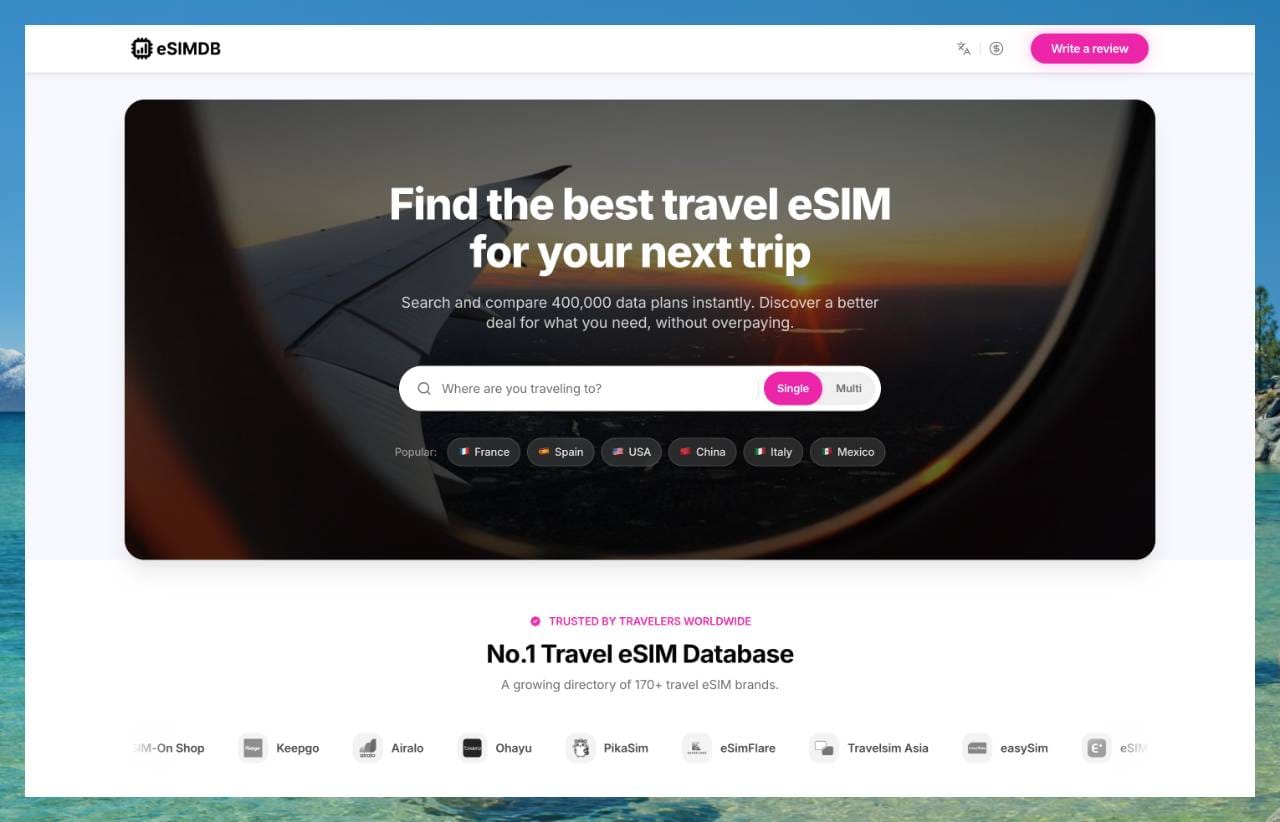
Explore tens of thousands of travel eSIM plans on eSIMDB
Apple Watch usually cannot use a regular travel eSIM directly, but travel eSIMs are still very useful for iPhone mobile data abroad.
eSIMDB helps you compare travel eSIM plans by country, region, data amount, validity period, price, and provider.
For many travelers, the simplest setup is also the most practical: keep Apple Watch near your iPhone, and use a travel eSIM to keep the iPhone connected abroad.